
 Pending Resolved
Pending Resolved
Each time the Find Variances button is clicked, Assure compares the list of issues returned to the open issues on the kanban board. If the following things are true, Assure will suggest that the issue be closed on the kanban board:
- The issue was originally identified by Assure (rather than created through a manually added ledger transaction), AND
- The issue remains open on the kanban board, AND
- The issue was not in the list of issues identified in the latest Find Variances data load.
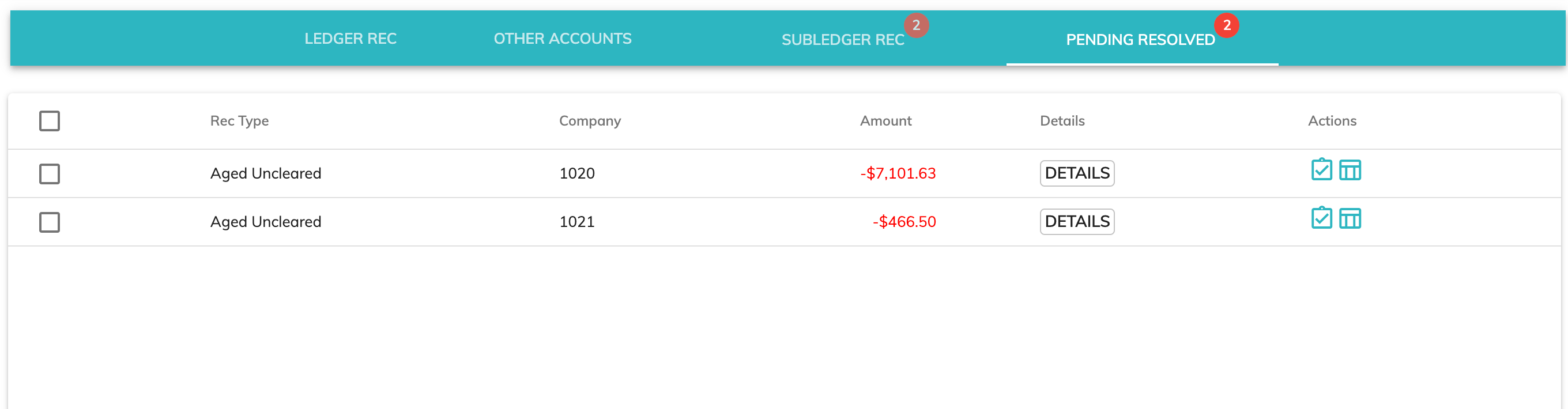
From the Pending Resolved tab, you have several options:
View Details of the Issue
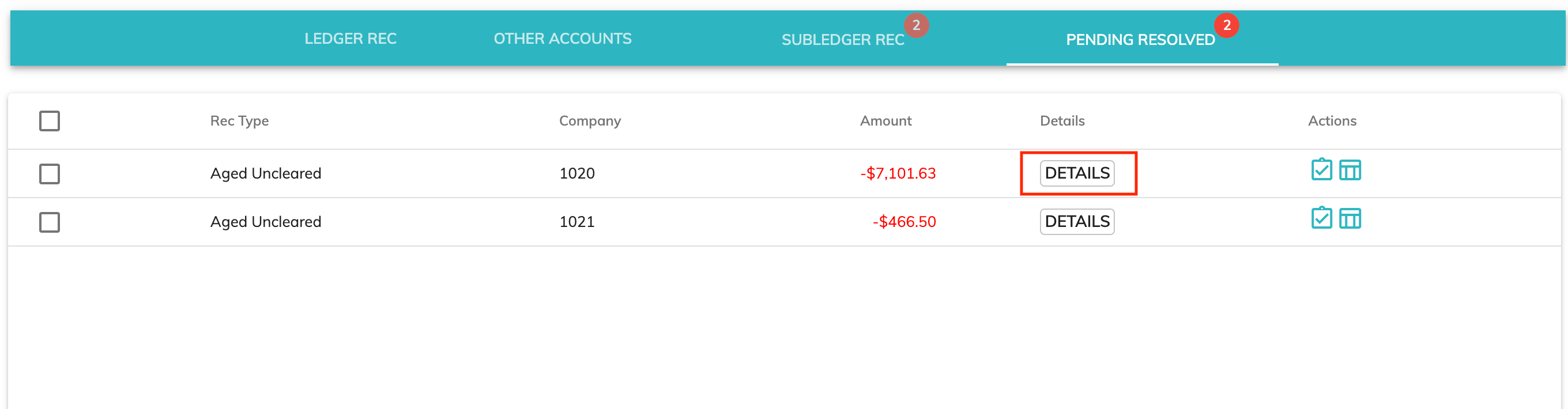
To view details of the issue without viewing the kanban card, click the Details button on the individual issue.
View the Kanban Card
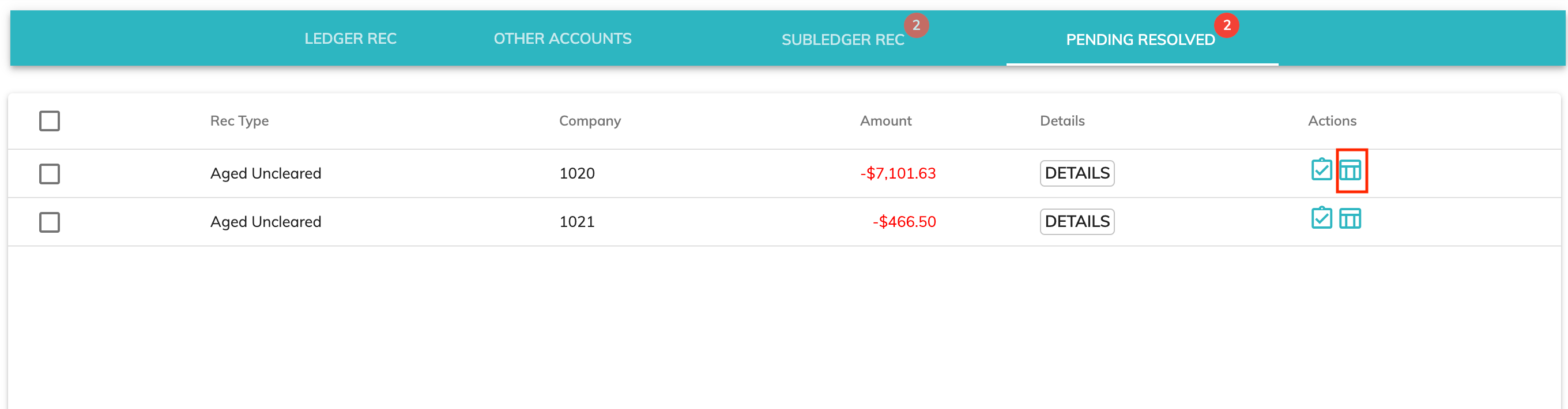
To view the Kanban card, including attributes such as Due Date and Comments, click the Card icon on the individual issue. You can modify the card from this view also.
Resolve Individual Kanban Card
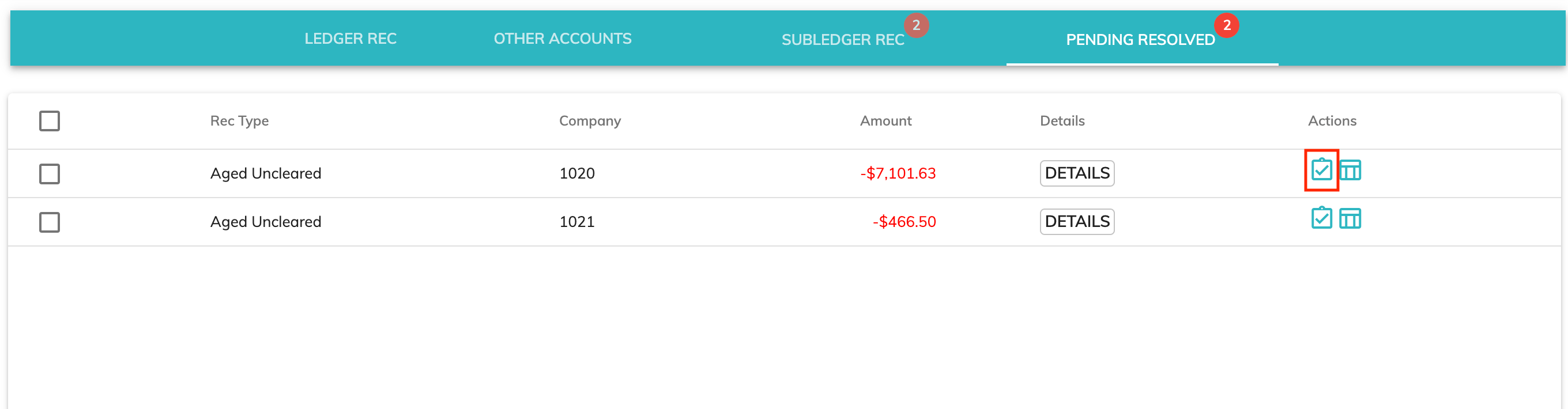
Clicking the Resolve icon on the individual issue will move the kanban card to the closed column on the kanban board.
Resolve All Listed Kanban Cards
By clicking the check box on the header row, all unresolved issues listed will be checked. Then, click the complete (check mark) icon at the top right of the screen to move all checked issues to the Closed column on the kanban board.

© RAKE Digital Company, 2022 • Updated: 12/03/21
Comment or report problem with topic